Listed below are new features and enhancements within PCT Agcloud. View archived release notes HERE.
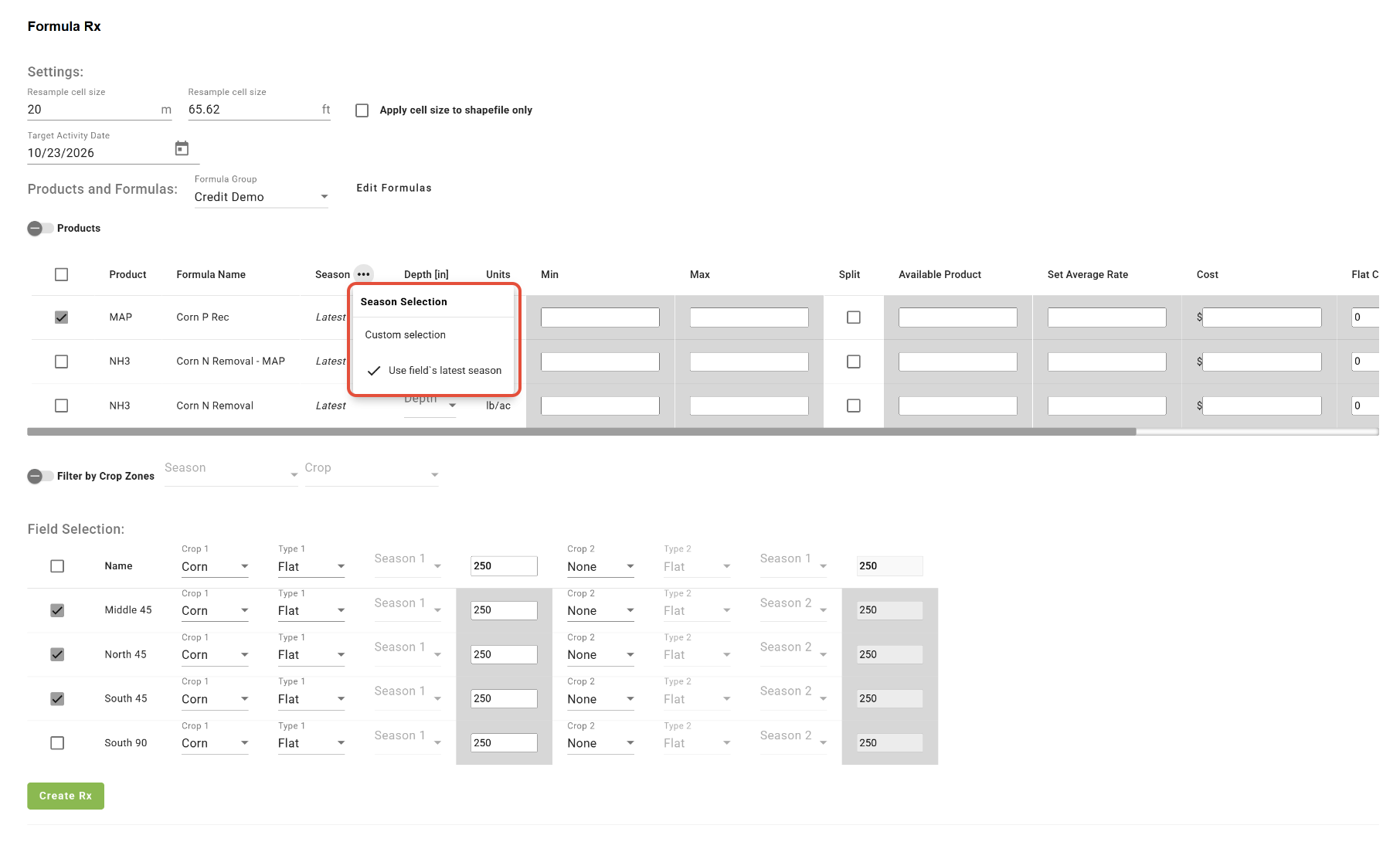
- 'Use field's latest season' option references all layers
Now in Formula Rx, the 'Use field's latest season' option is applied to all layer types included in the selected formula(s).
- Updates to k-Means Clustering tool
The k-Means Clustering tool has received an updated UI, better processing speed, and now, when the 'Show Ideal Cluster Count' function is used, the ideal number of clusters will be selected automatically. Learn more HERE. 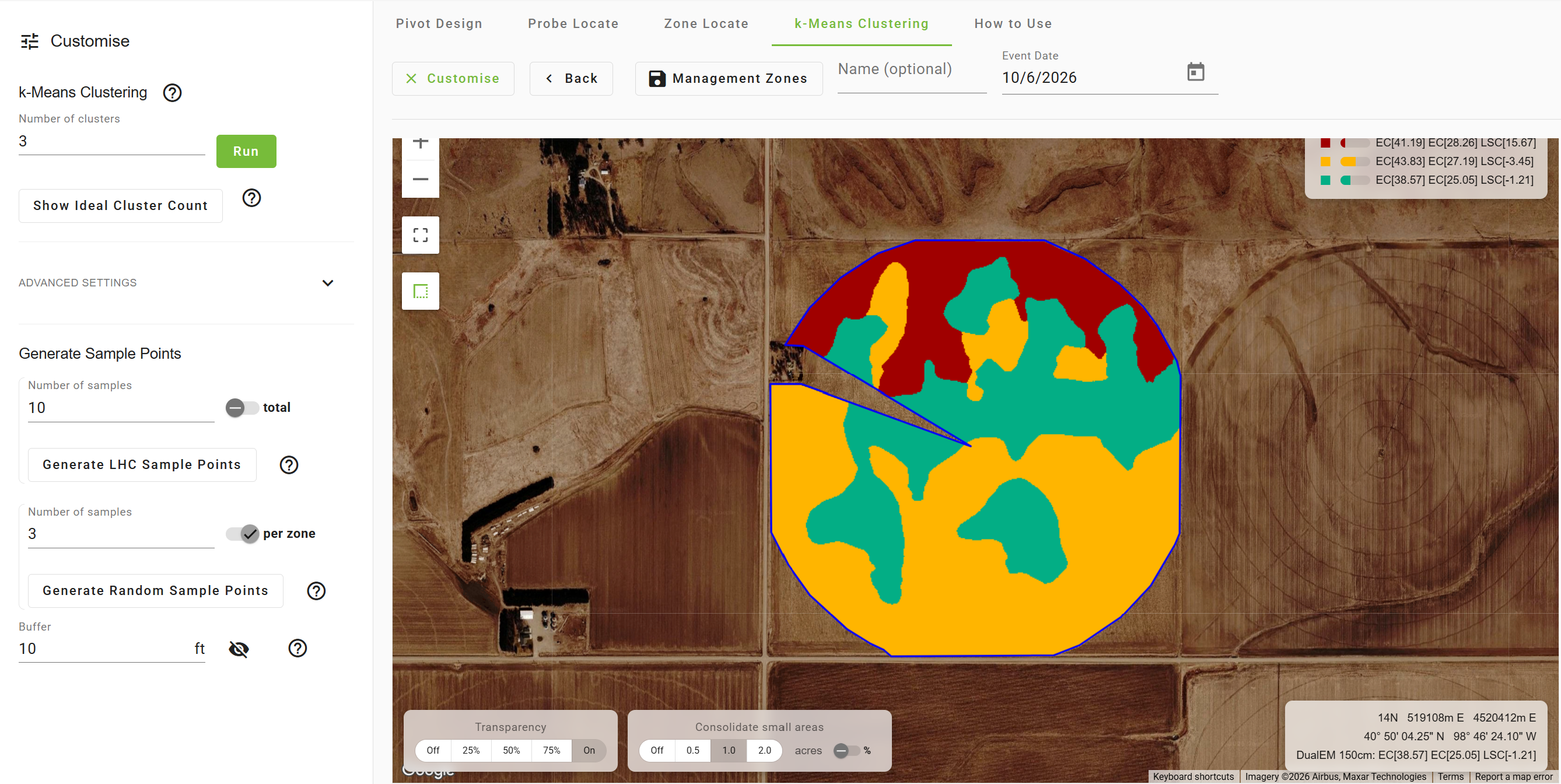
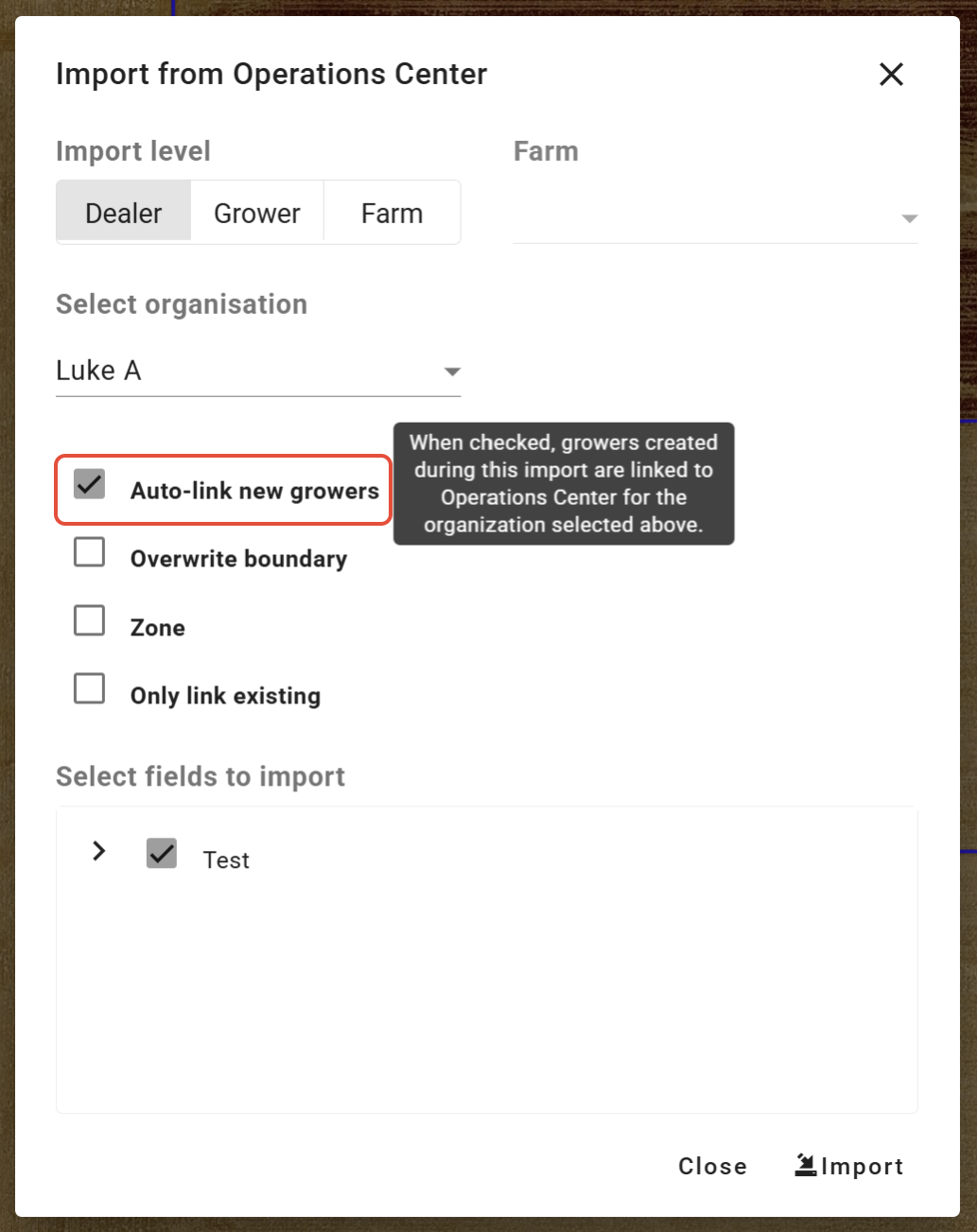
- Auto-link new Growers imported from Operations Center™
Check the 'Auto-link new growers' box to have any newly imported Growers from Operations Center™ be automatically linked and auto-download turned on.
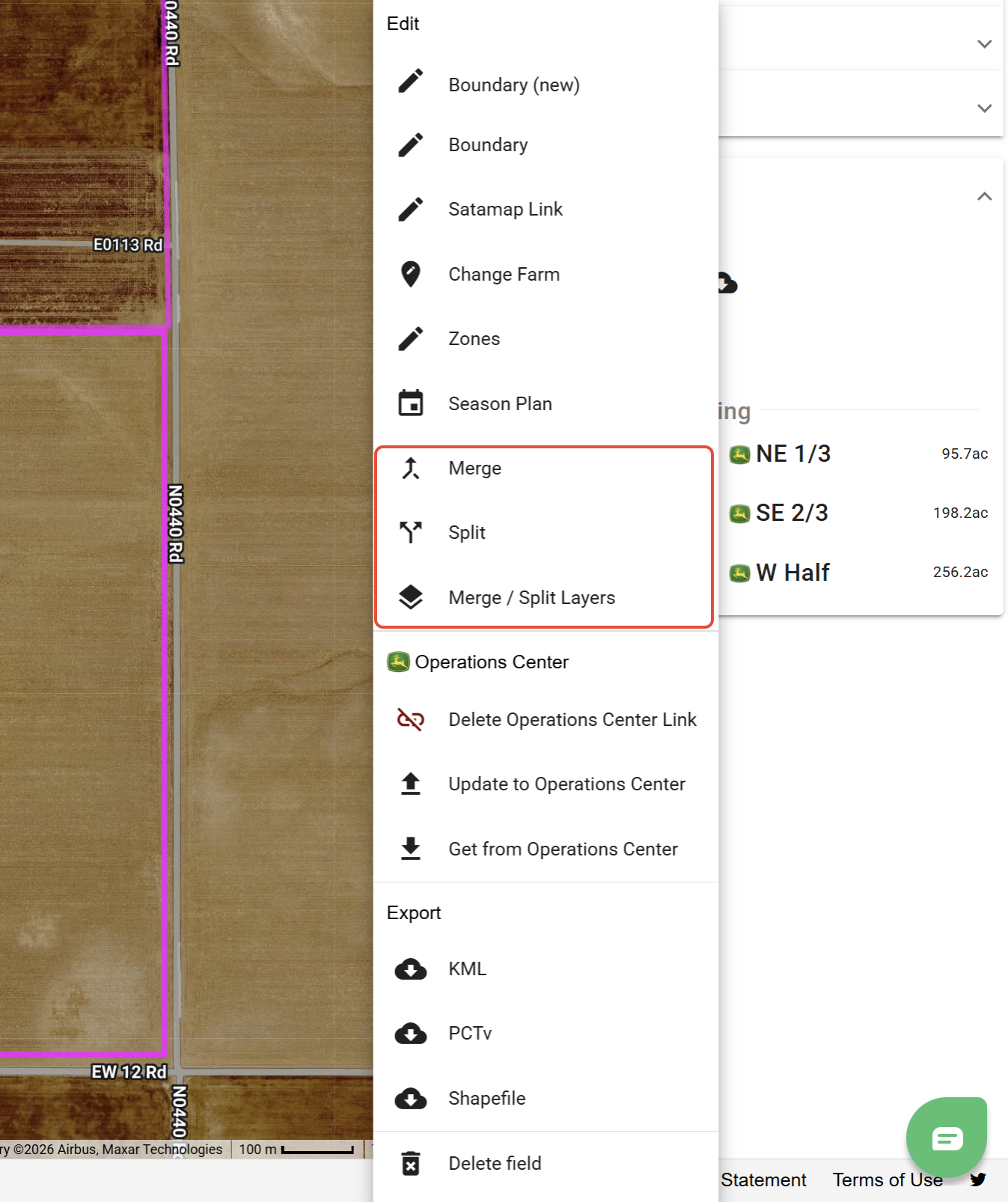
- Merge/Split Fields and Layers
Within Setup, tools are available for merging and splitting fields and their associated layers. Click HERE to learn more.
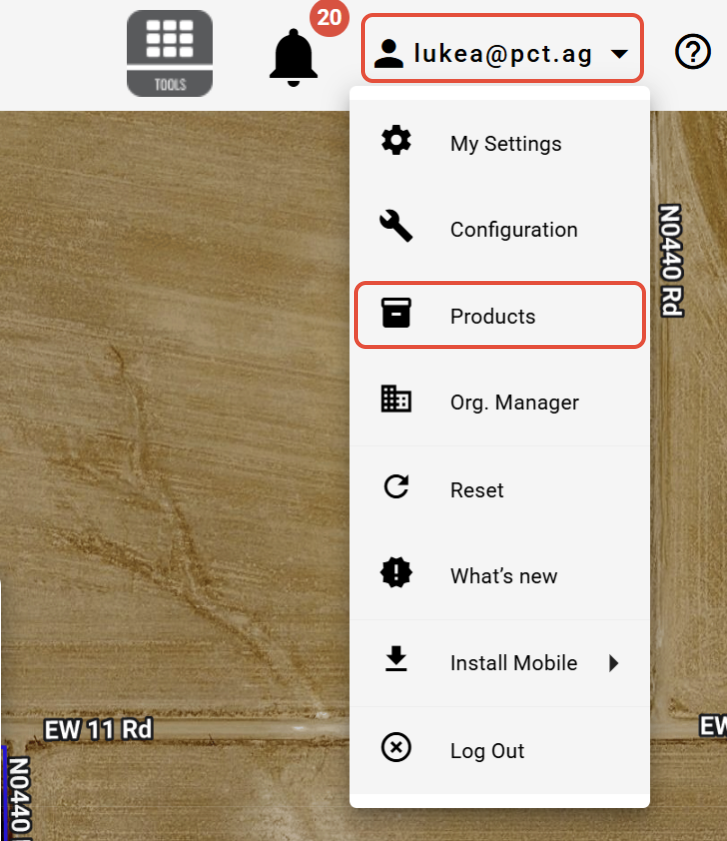
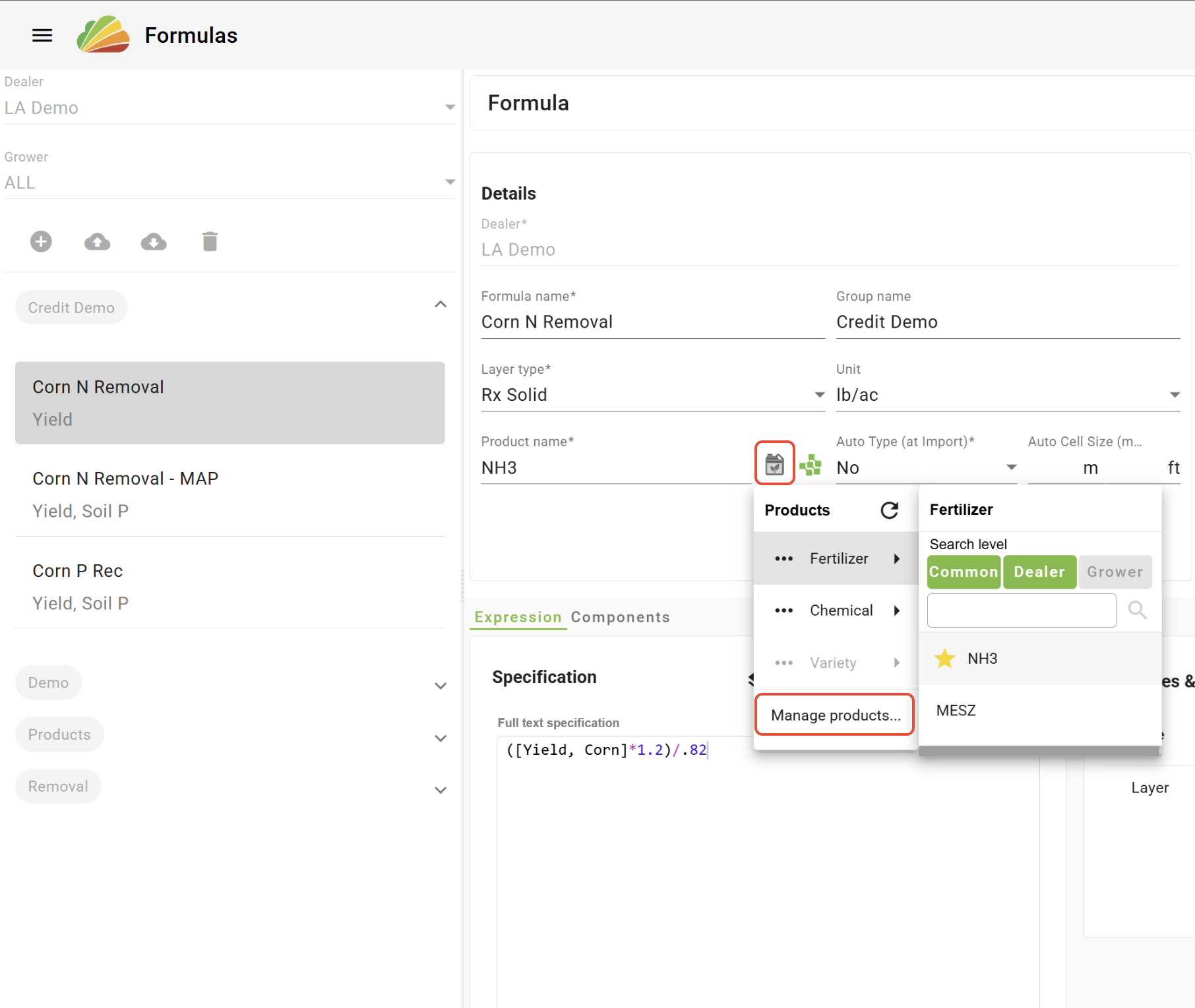
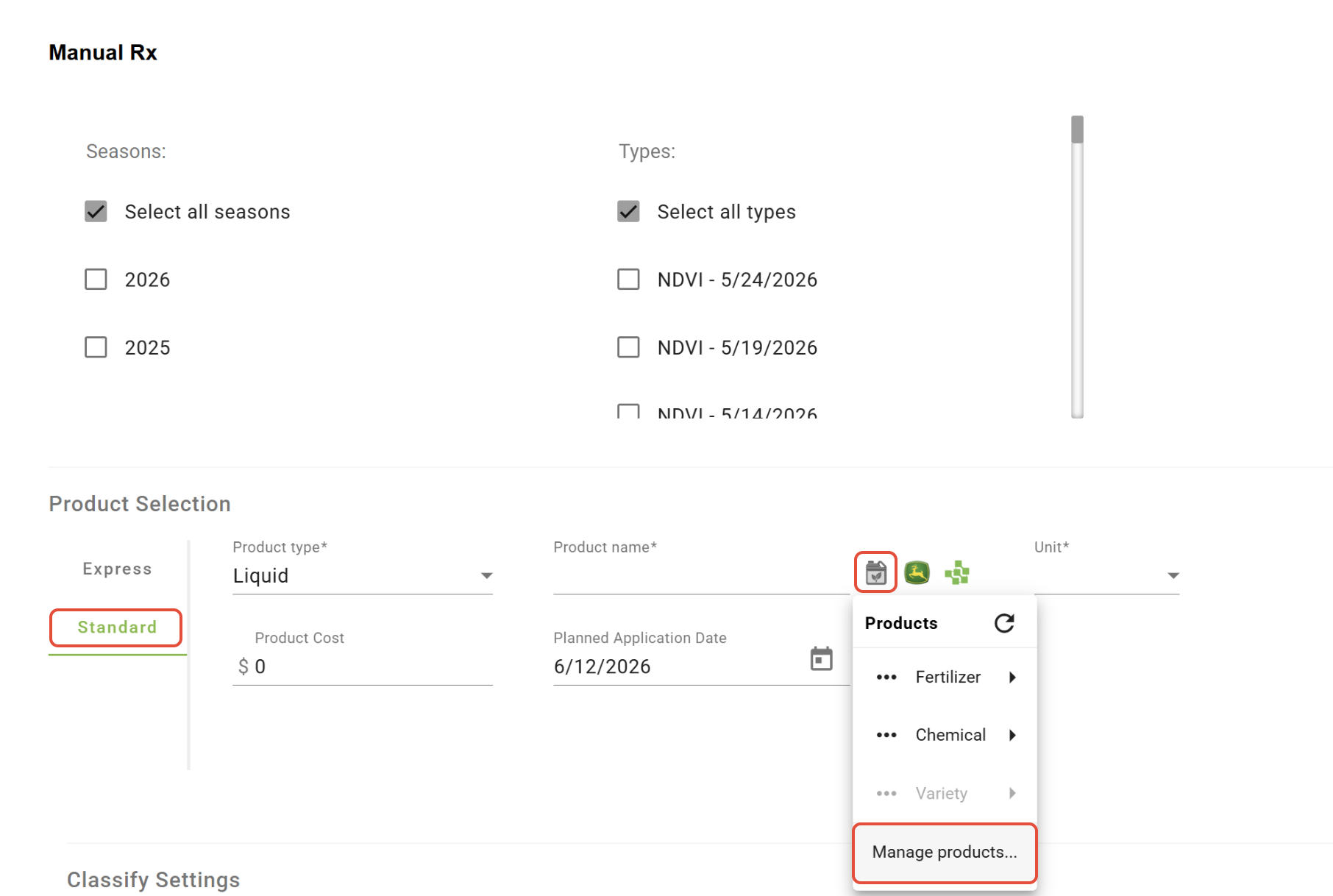
- Products tool
The Products tool allows users to configure their own product list to be used within Rx tools. Click HERE to learn more.
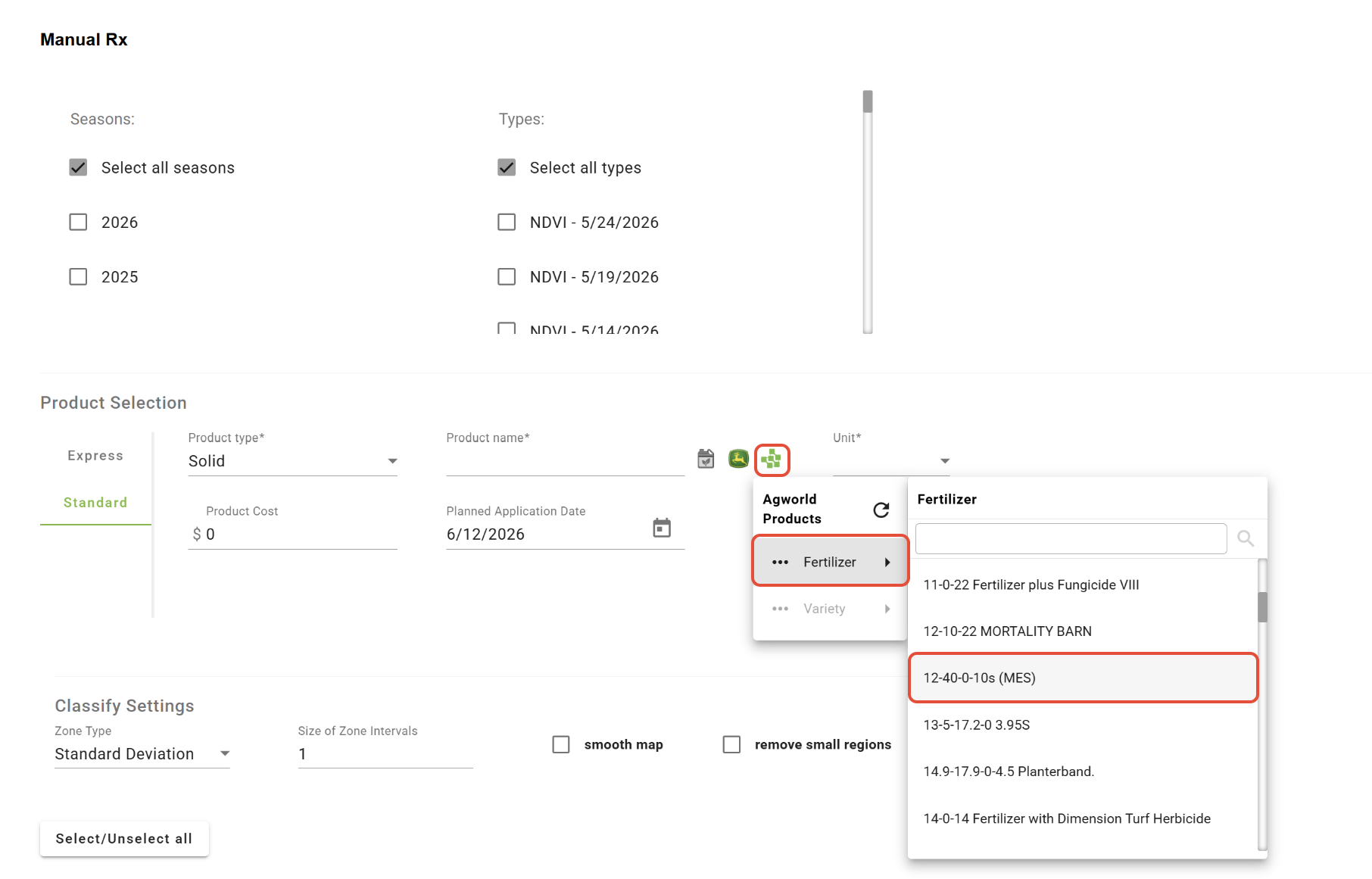
- Agworld Product List
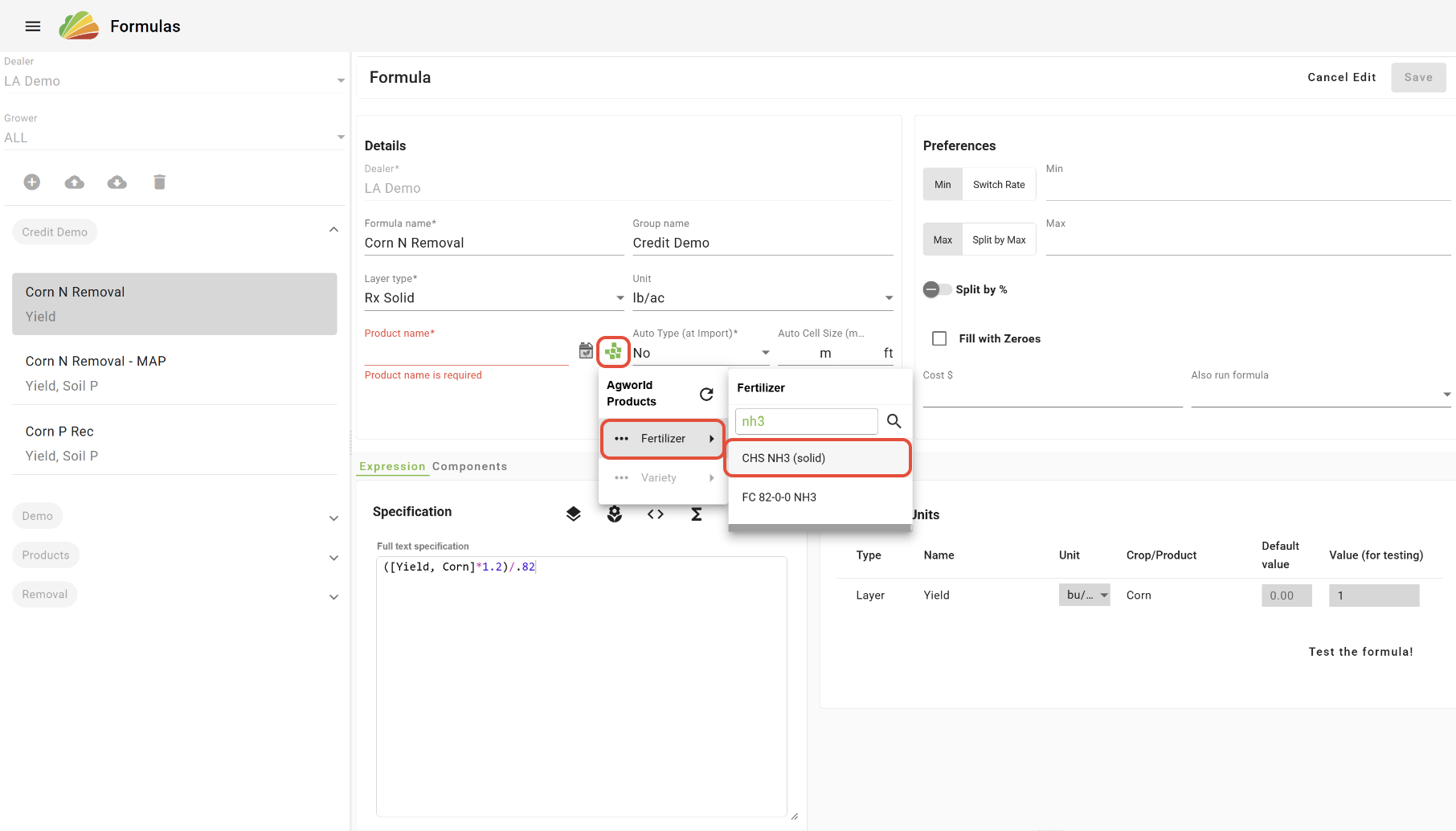
For Agworld users, the Agworld product list can now be accessed within Rx tools. Click HERE to learn more.
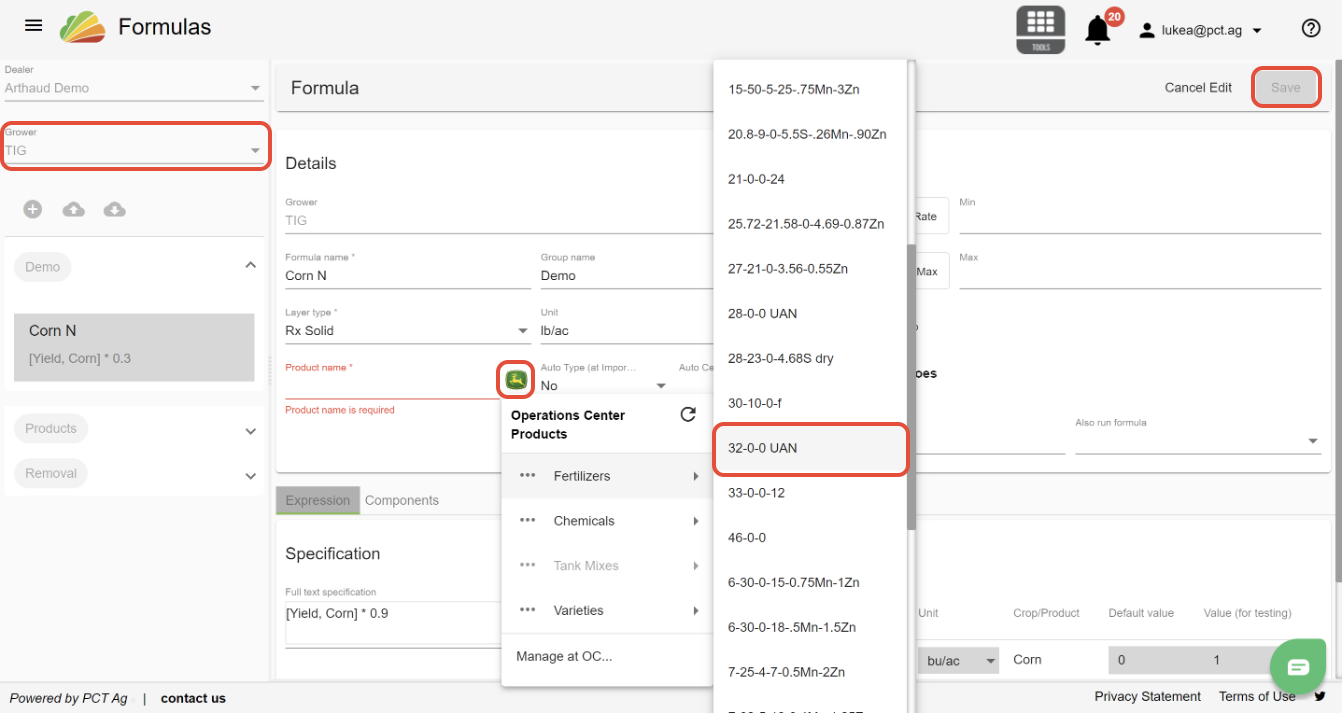
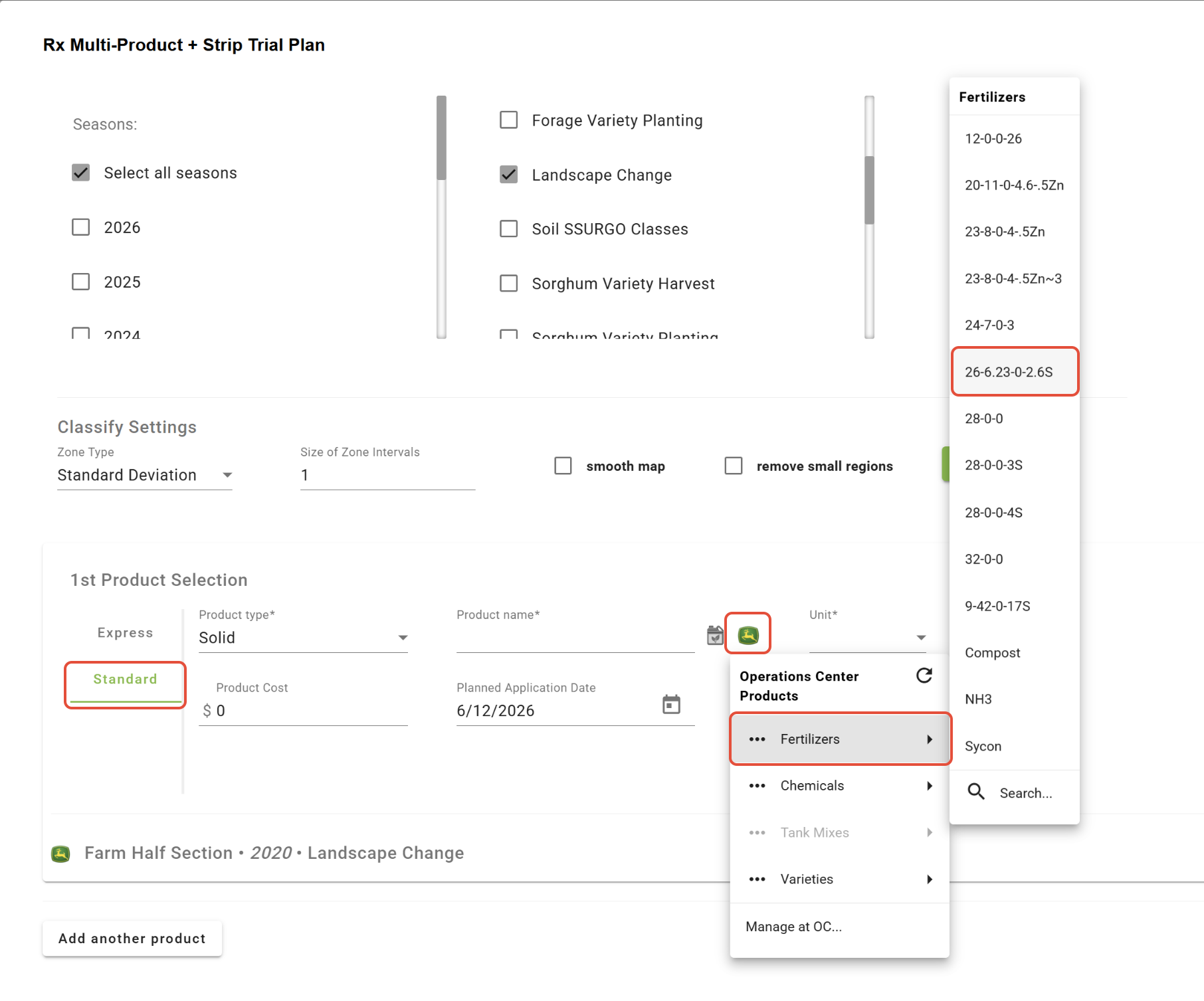
- Operations Center™ Product list
The Operations Center product list can now be accessed under Growers that are linked to an Operations Center™ org. Click HERE to learn more.
- Scouting
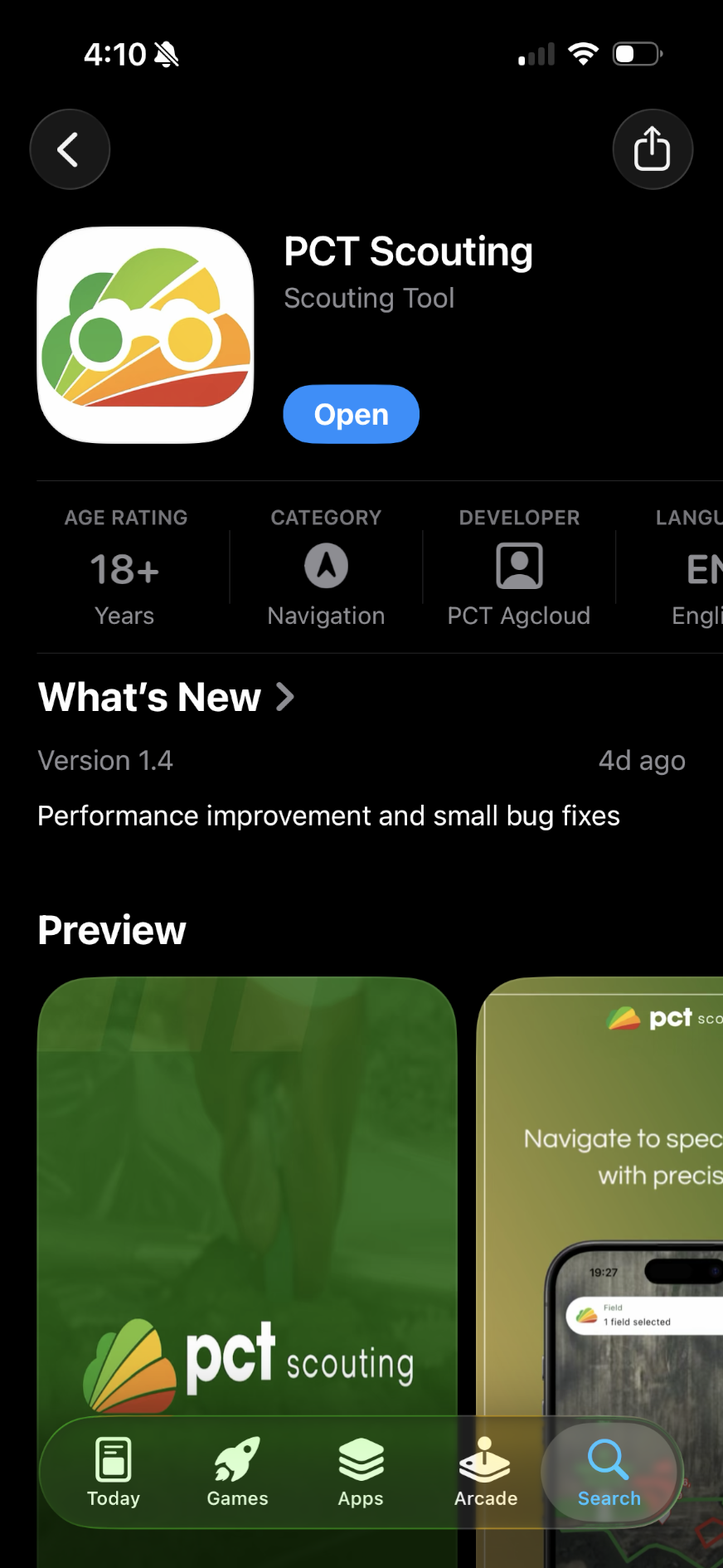
The PCT Scouting app is now live! Click HERE to learn more.
- Season Plan/Crop Zones
Under the Field Editor dropdown in the Setup tool, Season Plans and Crop Zones can be added to Fields. These can then be used to filter and specify zones in the Formula Rx tool. Learn more HERE. 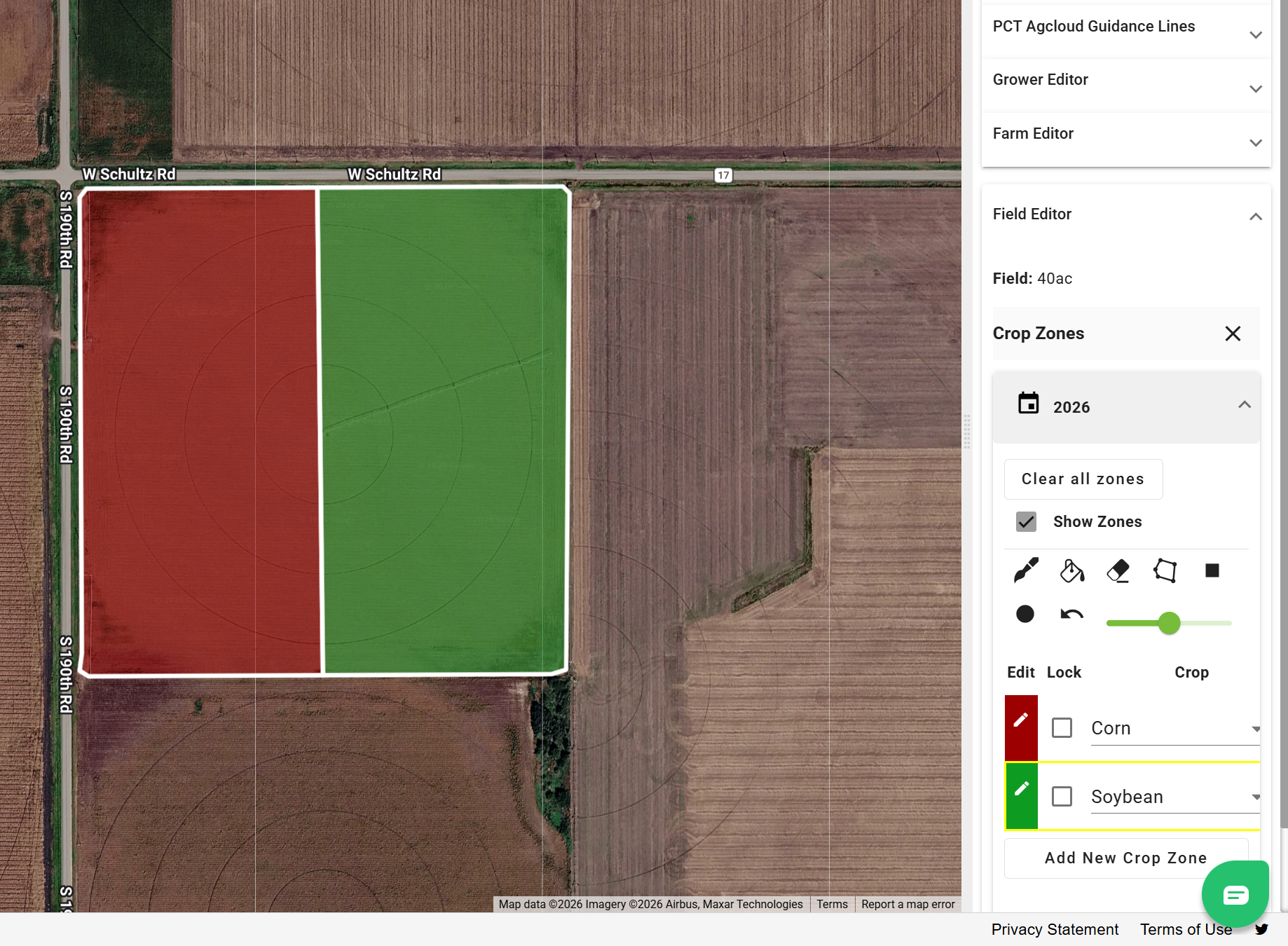
- Core Logging/Zone Composite Sample Plans
In the Sample Data tab in View, individual core locations can now be planned to create zone composite sample plans. Learn more HERE.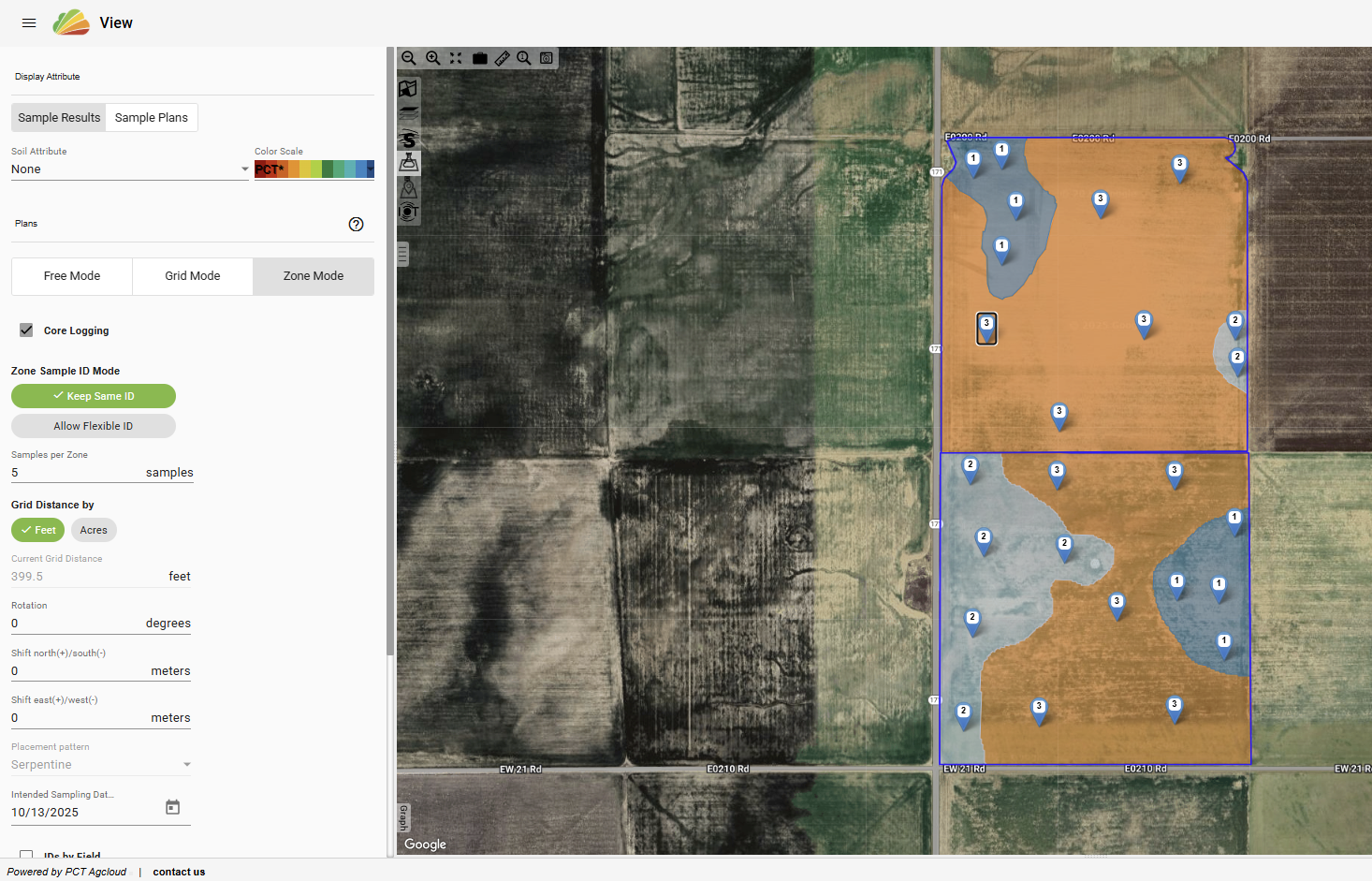
- Use Field's latest season in Formula Rx
In the Formula Rx tool, the latest season for each layer and field can now be automatically selected. 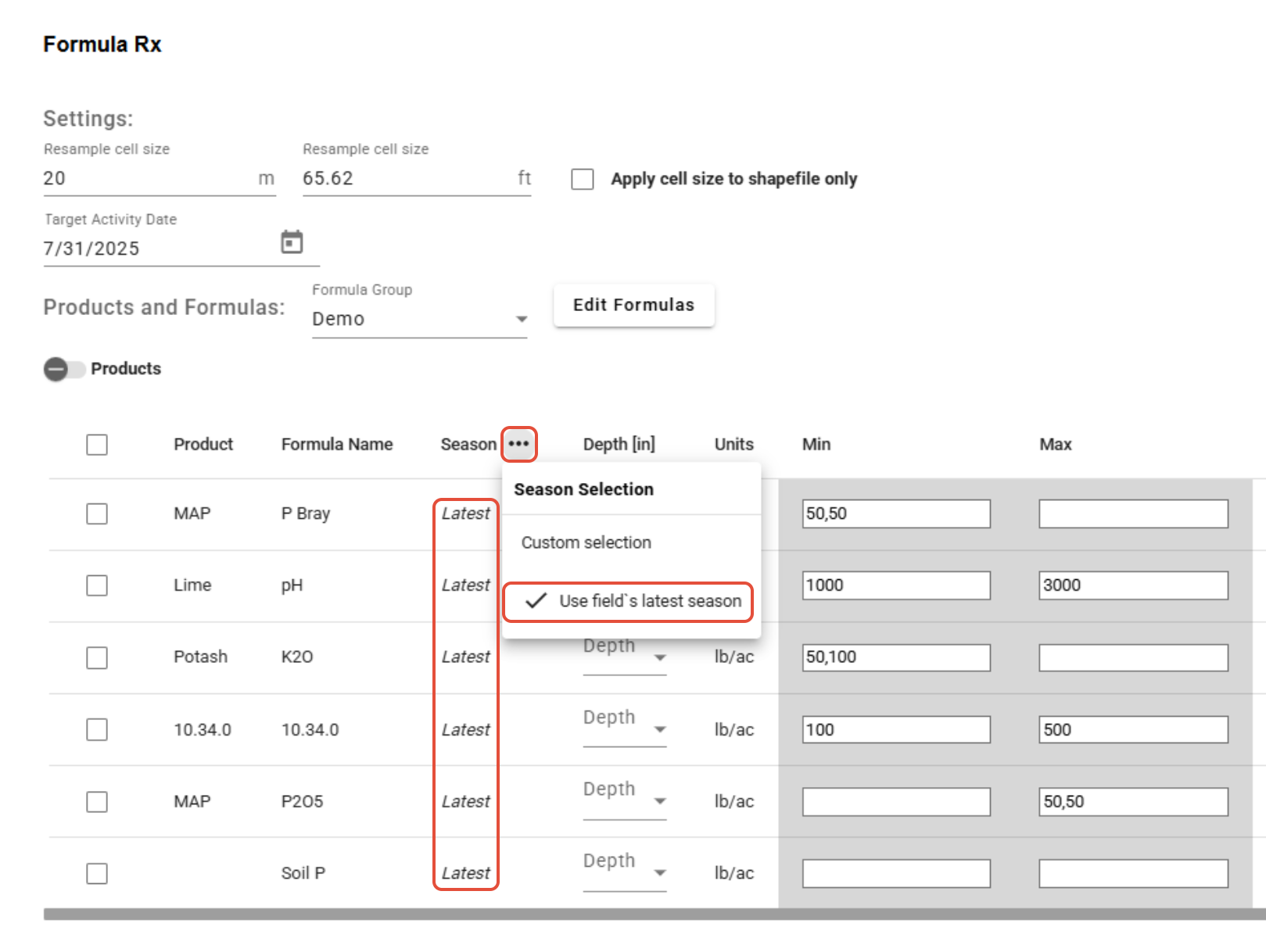
- Select Yield Seasons in bulk in Formula Rx
A bulk option dropdown has been added to the Season selection in Formula Rx. 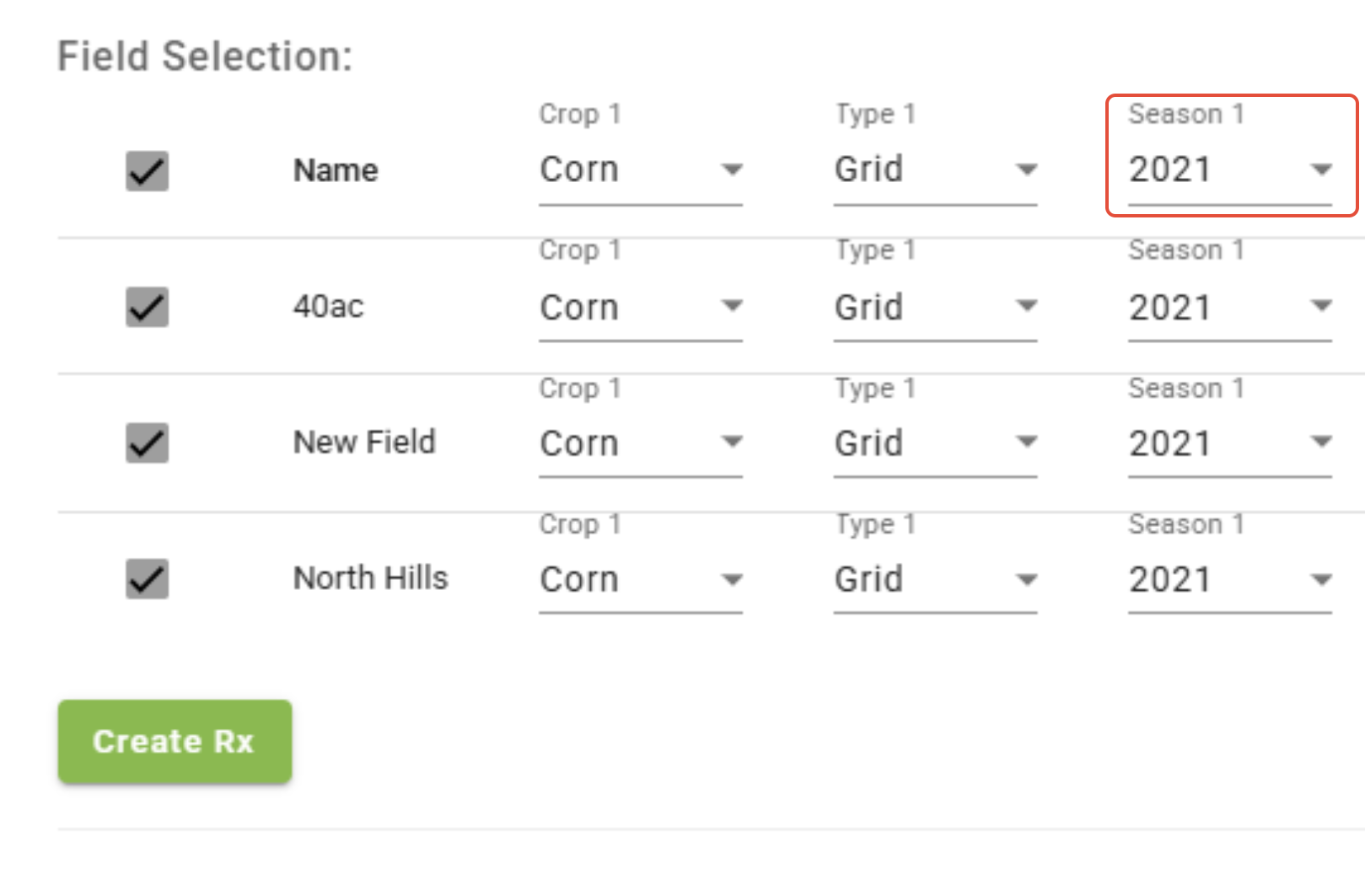
- Configuration tool
Included in the Configuration tool are the Import Mappings, Protein Zones Thresholds, Auto Filters, and Legend tools. Click HERE to learn more about the Configuration tool. 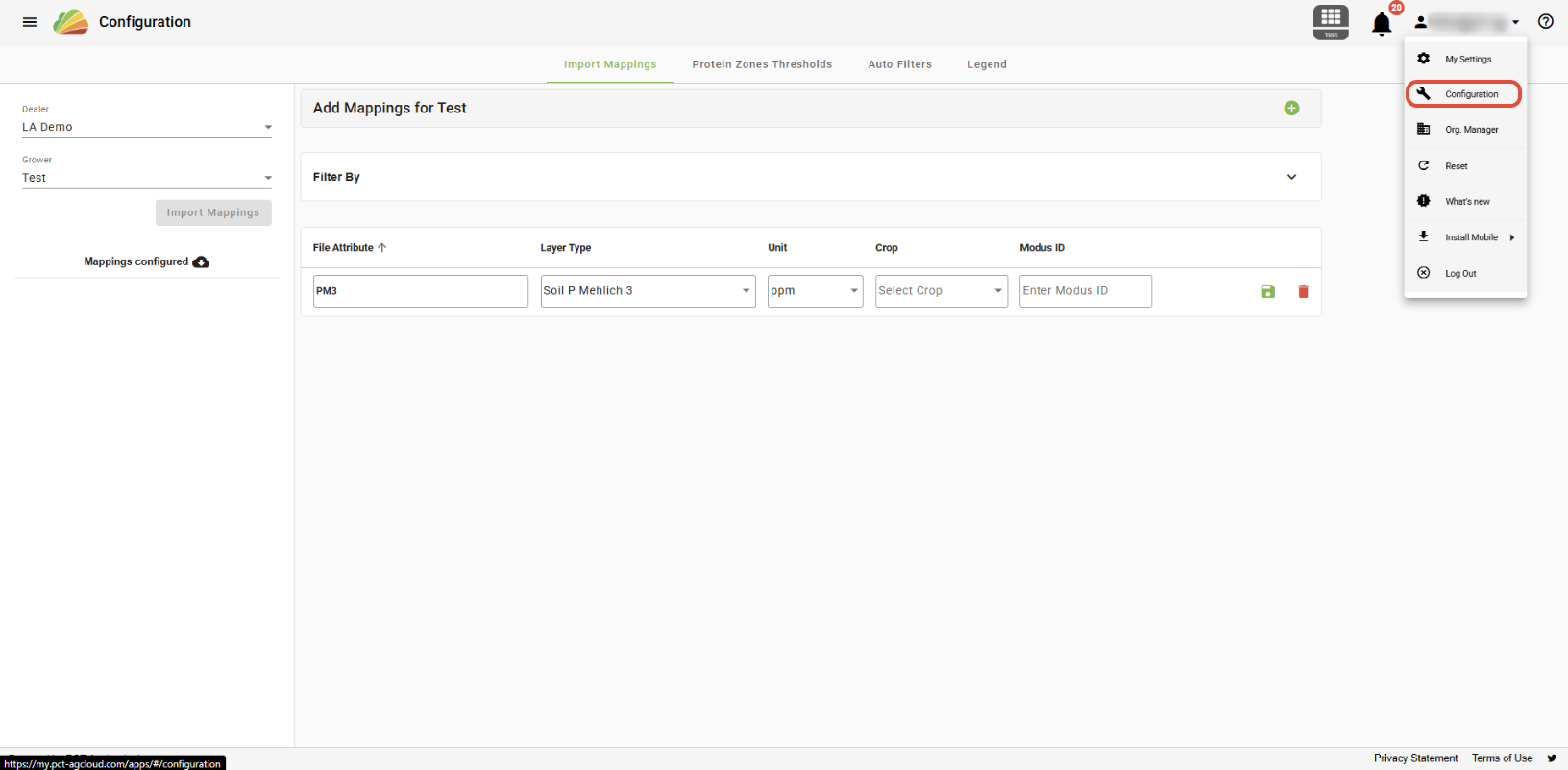
Was this article helpful?
That’s Great!
Thank you for your feedback
Sorry! We couldn't be helpful
Thank you for your feedback
Feedback sent
We appreciate your effort and will try to fix the article